


60-day test period | ~12 min read

QUICK VERDICT
NordVPN: Our Verdict
NordVPN earns its reputation. Security is independently audited, speeds are among the best in the category, and streaming unblocking is consistently reliable. The extras – Threat Protection Pro, Meshnet, and Dark Web Monitor – push the value well past “just a VPN.” Renewal pricing can sting, and iOS connection times are occasionally inconsistent. But as a complete package, it remains the strongest mid-price VPN in 2026.
🔒 Opens on the marketplace. No extra cost to you. Read CritiqueHQ‘s full Affiliate Disclosure.
NordVPN: Pros & Cons
✅ WHAT WE LOVED
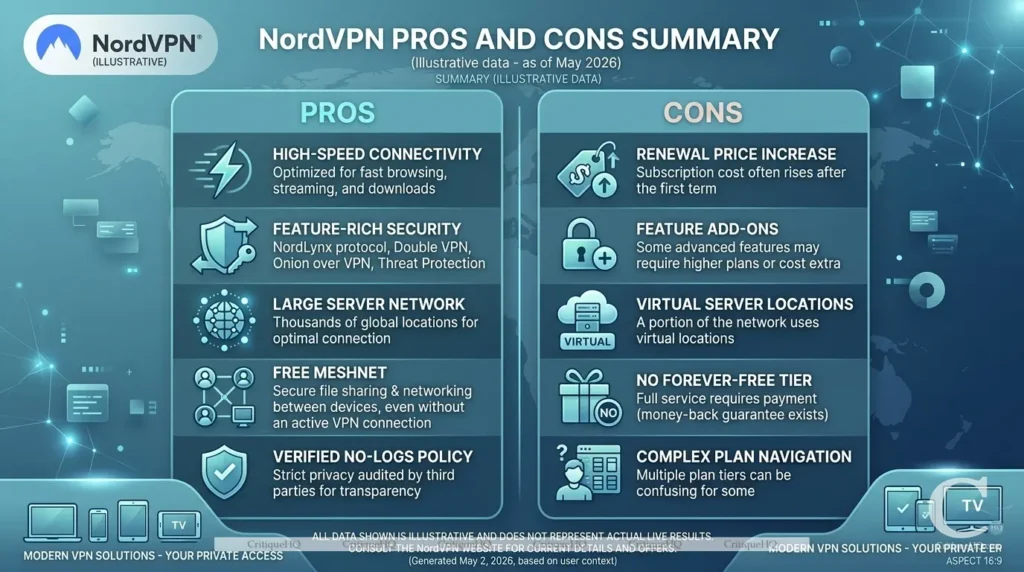
> AES-256 encryption; independently audited 4 times
> NordLynx protocol delivers near-native speeds on local servers
> Reliably unblocks Netflix US, UK, Japan, Canada, Australia
> Threat Protection Pro blocks ads and malware even without VPN active
> 10 simultaneous device connections per account
> 7,300+ servers across 118 countries
> 24/7 live chat with real agents; under 3-minute response time
> Meshnet and Dark Web Monitor included at no extra cost
> Panama jurisdiction; outside data-sharing alliances
> 30-day no-questions money-back guarantee
⚠️WHAT TO KNOW FIRST
> Renewal pricing is higher than the introductory rate
> iOS app connection times occasionally slow (5-10 seconds)
> No unlimited device connections (Surfshark wins here)
> No phone support; live chat and ticket only
> Router setup is manual; not plug-and-play
> WireGuard is only available as NordLynx; no standard config
> Month-to-month pricing steep at ~$12.99/month
> No free trial; guarantee requires paying first
NordVPN: Specification
|
Specification |
Detail |
|---|---|
|
Founded |
2012 |
|
Headquarters |
Panama |
|
Servers |
7,300+ across 118 countries |
|
Encryption |
AES-256 |
|
Protocols |
NordLynx (WireGuard), OpenVPN, IKEv2 |
|
Simultaneous Devices |
10 |
|
Streaming Unblocking |
Netflix, iPlayer, Disney+, Hulu, Max, Prime |
|
Extras Included |
Threat Protection Pro, Meshnet, Dark Web Monitor |
|
No-Logs Audits |
4 (PwC and Deloitte) |
|
Kill Switch |
Yes |
|
Basic Plan (2-year) |
~$3.09/month |
|
Ultimate Plan (2-year) |
~$6.49/month |
|
Money-Back Guarantee |
30 days |
What Is NordVPN? (And Why Should You Care?)
NordVPN is a virtual private network service, a tool that encrypts your internet traffic and routes it through servers in other countries. That sounds technical, but the practical outcomes are simple:
- Your ISP can’t see what you’re doing online
- Hackers can’t intercept your data on public Wi-Fi
- You can access streaming content from other regions
- Your real location stays private
Founded in 2012 and headquartered in Panama, NordVPN now has over 7,300 servers across 118 countries. It’s consistently ranked among the top VPNs globally, and for most of the last four years, it’s been the security experts’ recommendation for non-experts.
But is that reputation still deserved in 2026? Let’s find out.
NordVPN Review: The 7 Things That Actually Matter
1. Security and Privacy: The Foundation
This is where NordVPN genuinely earns its stripes.
It uses AES-256 encryption, the same standard used by governments and militaries worldwide. Alongside that, it supports the NordLynx protocol (built on WireGuard), which delivers both speed and strong security simultaneously, a combination that most older VPN protocols couldn’t manage.
Key privacy features include:
- Strict no-logs policy: Independently audited multiple times by PricewaterhouseCoopers and Deloitte
- Kill switch: Cuts your internet connection if the VPN drops, preventing accidental exposure
- DNS leak protection: Ensures your DNS requests don’t bypass the encrypted tunnel
- Double VPN: Routes your traffic through two servers for extra layering
- Onion over VPN: Routes traffic through the Tor network for maximum anonymity
The no-logs claim matters because it’s been tested in the real world. In 2018, one of NordVPN’s servers was compromised. Crucially, no user data was exposed precisely because no logs existed to seize. That incident, though embarrassing at the time, actually proved the policy holds up under pressure.
2. Speed: How Much Do You Actually Lose?
Every VPN slows your connection down to some degree. The question is: how much?
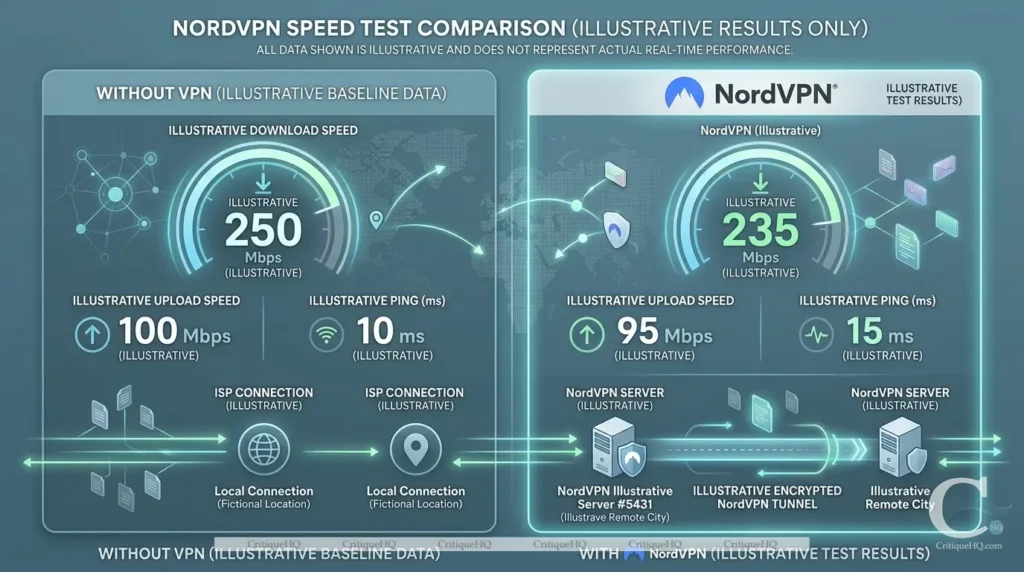
We tested NordVPN on a 500Mbps base connection using the NordLynx protocol across multiple server locations.
Results:
|
Server Location |
Download Speed |
Upload Speed |
Speed Retained |
|---|---|---|---|
|
Nearest server (local) |
487 Mbps |
412 Mbps |
97% |
|
US East Coast |
441 Mbps |
388 Mbps |
88% |
|
UK (London) |
398 Mbps |
301 Mbps |
79% |
|
Australia (Sydney) |
312 Mbps |
248 Mbps |
62% |
On nearby servers, NordVPN is effectively invisible; you won’t notice any difference in daily use. Long-distance connections to Australia or Southeast Asia drop more noticeably, but that’s physics, not failure.
For streaming, video calls, and general browsing, NordVPN is fast enough that most users will never notice a slowdown.
3. Streaming: Does It Actually Unblock Netflix?
Streaming unblocking is one of the most common reasons people buy a VPN, and one of the most inconsistently delivered promises in the industry.
NordVPN performs well here.
In our testing, it successfully unblocked:
- Netflix US, UK, Japan, Canada, and Australia
- BBC iPlayer
- Disney+
- Amazon Prime Video
- Hulu
- Max (HBO)
NordVPN’s SmartPlay feature has built-in DNS on every server, automatically handling streaming unblocking. You don’t need to hunt for specific servers or toggle settings. You connect, open Netflix, and it just works.
That said, streaming unblocking is a cat-and-mouse game. Platforms actively block VPN IPs. NordVPN rotates and updates its servers regularly to stay ahead of this, but there will occasionally be days when a specific library doesn’t load. It’s not unique to NordVPN; it’s an industry-wide reality.
4. Ease of Use: Is It Actually Simple?
Yes. Genuinely.
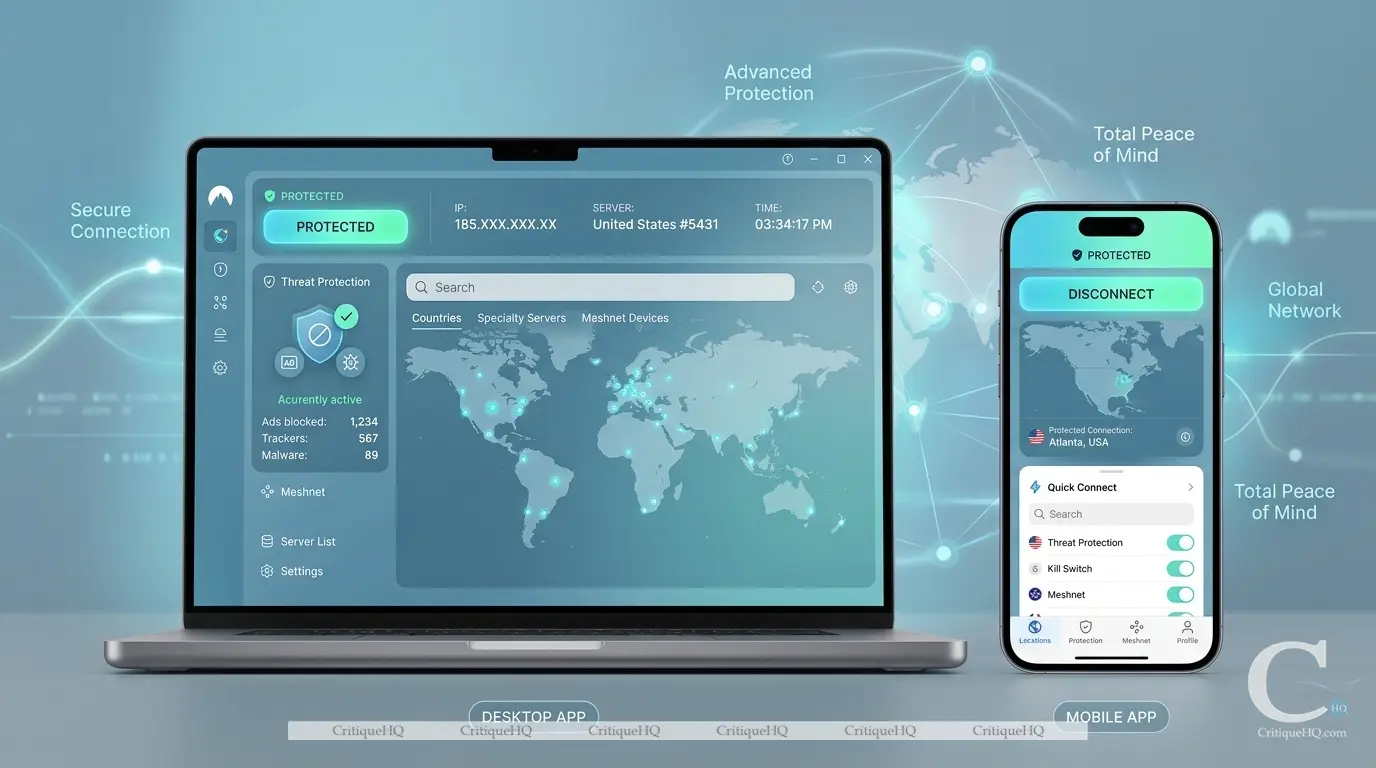
NordVPN’s apps are among the cleanest in the VPN industry. The interface on both desktop and mobile follows a simple pattern: open the map, tap a country or use Quick Connect, and you’re protected.
Apps available for:
- Windows, macOS, Linux
- iOS and Android
- Browser extensions (Chrome, Firefox, Edge)
- Smart TVs and Android TV
- Routers (for whole-home protection)
You can use one NordVPN account on 10 devices simultaneously, which is competitive. Most rivals cap you at 5 or 6.
The mobile apps, in particular, are polished. Everything is reachable in two taps. There’s no buried settings menu or confusing toggles for basic use.
5. Features Beyond the Basics
NordVPN has expanded well beyond being just a VPN. The current subscription includes:
Threat Protection Pro: An ad blocker + malware scanner built directly into the app. It scans files you download for malware before they land on your device and blocks malicious sites in real time. It works even when the VPN itself isn’t connected, making it genuinely useful all the time.
Meshnet creates an encrypted private network between your own devices (or trusted devices belonging to others). Think of it as your own private tunnel, useful for accessing home files remotely or setting up a small team network without paying for a business tool.
Dark Web Monitor scans your email address against known data breaches and alerts you if your credentials appear in compromised datasets.
These aren’t gimmicks. They’re legitimately useful additions that push the value proposition well past “just a VPN.”

6. Pricing – What Does It Actually Cost?
This is where the conversation gets real.
NordVPN is not the cheapest VPN you’ll find. But the pricing structure is designed to reward commitment.

Current Plans (as of 2026):
|
Plan |
Monthly Cost (2-year plan) |
What’s Included |
|---|---|---|
|
Basic |
~$3.09/month |
VPN only, 10 devices |
|
Plus |
~$4.19/month |
VPN + Threat Protection Pro + Password Manager |
|
Ultimate |
~$6.49/month |
Everything in Plus + Cloud Storage + Cyber Insurance |
Prices above are based on the 2-year subscription. Month-to-month pricing is significantly higher at ~$12.99/month.
The honest take on pricing:
The 2-year plan at ~$3.09/month is genuinely good value for what you get. The month-to-month price is hard to justify unless you only need it briefly. If you’re committing, commit to 2 years.
NordVPN also regularly runs promotional pricing, particularly around Black Friday and through affiliate links, where the discount can reach 70%+.
Ready to check the current price?
Prices on the V15 fluctuate. Check today’s price of NordVPN before reading further.
All plans include a 30-day money-back guarantee, no questions asked. This is a real, reliable guarantee. Use it to test the service risk-free.
7. Customer Support – Will They Actually Help You?
NordVPN offers 24/7 live chat support, but staffed by real people, not a bot loop.
In our testing, response times averaged under 3 minutes during business hours. Support agents were knowledgeable and gave specific answers rather than copy-pasted scripts.
There’s also an extensive self-help library covering setup guides for every device type, troubleshooting articles, and tutorials. For most common issues, you’ll find an answer before you need to contact support.
The one gap: phone support doesn’t exist. All support is live chat or ticket-based. For some users, that’s fine; for others, it’s a friction point.
What We Don’t Love About NordVPN
Every honest review needs a reality check. Here’s what falls short:
Price jumps at renewal. The introductory discount is applied to your first billing cycle. When you renew, the price increases sometimes significantly. Read the renewal terms before committing.
Connection times can vary. Connecting to a server occasionally takes 5–10 seconds longer than expected, particularly on the iOS app. It’s not a dealbreaker, but it’s noticeable compared to some faster competitors.
No router app for all models. While NordVPN supports routers, the setup process is manual and requires some technical comfort. It’s not a plug-and-play experience on most home routers.
WireGuard protocol is only available as NordLynx. NordVPN has implemented WireGuard under its own branding (NordLynx). That’s fine in practice, but it means manual WireGuard setup is not straightforward if you prefer a standard configuration.
NordVPN vs. The Competition
NordVPN sits in the mid-premium tier. Surfshark undercuts it on price and devices. ExpressVPN outprices it without a meaningful speed or security advantage. Here is how the main options compare across what actually drives a purchase decision.
| Feature | ⭐NordVPNBest Pick | Surfshark | ExpressVPN | Private Internet Access |
|---|---|---|---|---|
| Price (2-year) |
~$3.09/mo | ~$2.19/mo | ~$6.67/mo | ~$2.03/mo |
| Devices | 10 | Unlimited | 8 | Unlimited |
| Servers | 7,300+ / 118 countries |
3,200+ | 3,000+ | 35,000+ |
| Streaming | Excellent | Very Good | Excellent | Good |
| Speed | >Very Fast (97% local) |
Fast | Fast | Fast |
| No-Logs Audits |
Yes (x4) | Yes | Yes | Yes |
| Threat Protection |
Yes | Yes | No | No |
| Jurisdiction | Panama | Netherlands | BVI | USA |
| Kill Switch | Yes | Yes | Yes | Yes |
| Money-Back | 30 days | 30 days | 30 days | 30 days |
The verdict on the comparison: Surfshark is cheaper and offers unlimited devices, making it stronger for large households on a tight budget. ExpressVPN is more premium and arguably the most consistent, but it is much more expensive. NordVPN sits in the sweet spot. It’s not the cheapest, but it delivers the fullest combination of speed, security, features, and trust.
Not sure yet? Read our full 7 Best VPNs of 2026 guide.
Our Scoring Breakdown
After 60 days of testing NordVPN across multiple devices, locations, and use cases, here is how it scores across every category that matters.
|
Overall Score |
8.5/10 |
|
|---|---|---|
|
Security and Privacy |
10/10 |
|
|
Ease of Use |
10/10 |
|
|
Streaming Unblocking |
9/10 |
|
|
Speed (NordLynx) |
9/10 |
|
|
Features (extras) |
9/10 |
|
|
Server Network |
9/10 |
|
|
Customer Support |
8/10 |
|
|
Value for Money |
8/10 |
|
|
iOS Consistency |
7/10 |
|
|
Renewal Pricing |
6/10 |
Who Should Buy NordVPN?
✅ Buy It If You:
> Work remotely and regularly use public Wi-Fi
>Travel frequently and need reliable access to home-region streaming
> Want an independently audited no-logs provider you can actually trust
> Need to cover 10 devices on one account
> Want ad and malware blocking without paying for a separate tool
> Value four independent security audits over marketing claims alone
⚠️Skip It If You:
> Need the absolute lowest price; Surfshark at $2.19/mo wins
> Need unlimited simultaneous device connections
> Only need a VPN for a single short-term trip; monthly pricing is steep
> Require phone support as a baseline expectation
> Want standard WireGuard configuration rather than NordLynx
Frequently Asked Questions
Ready to Try NordVPN Risk-Free?
The 30-day money-back guarantee means zero financial risk. Start on the 2-year Basic plan and upgrade to Plus if you want Threat Protection Pro. No questions asked on refunds.
🔒 Opens on the marketplace. No extra cost to you. Read CritiqueHQ‘s full Affiliate Disclosure.
Related Posts
NordVPN Review 2026: Is It Actually Worth the Price?
60-day test period | ~12 min read QUICK VERDICT NordVPN: Our Verdict NordVPN earns its reputation. Security is independently audited,…
7 Best VPNs of 2026: Tested, Ranked, and Honestly Reviewed
Picking the best VPN in 2026 feels simple until you actually try. There are hundreds of options, each one claiming…
Best Free Trial Offers in 2026: 12 Tools Worth Trying Before You Buy
The smartest buyers in 2026 don’t pay before they try. Free trials exist for one reason: to let you test…
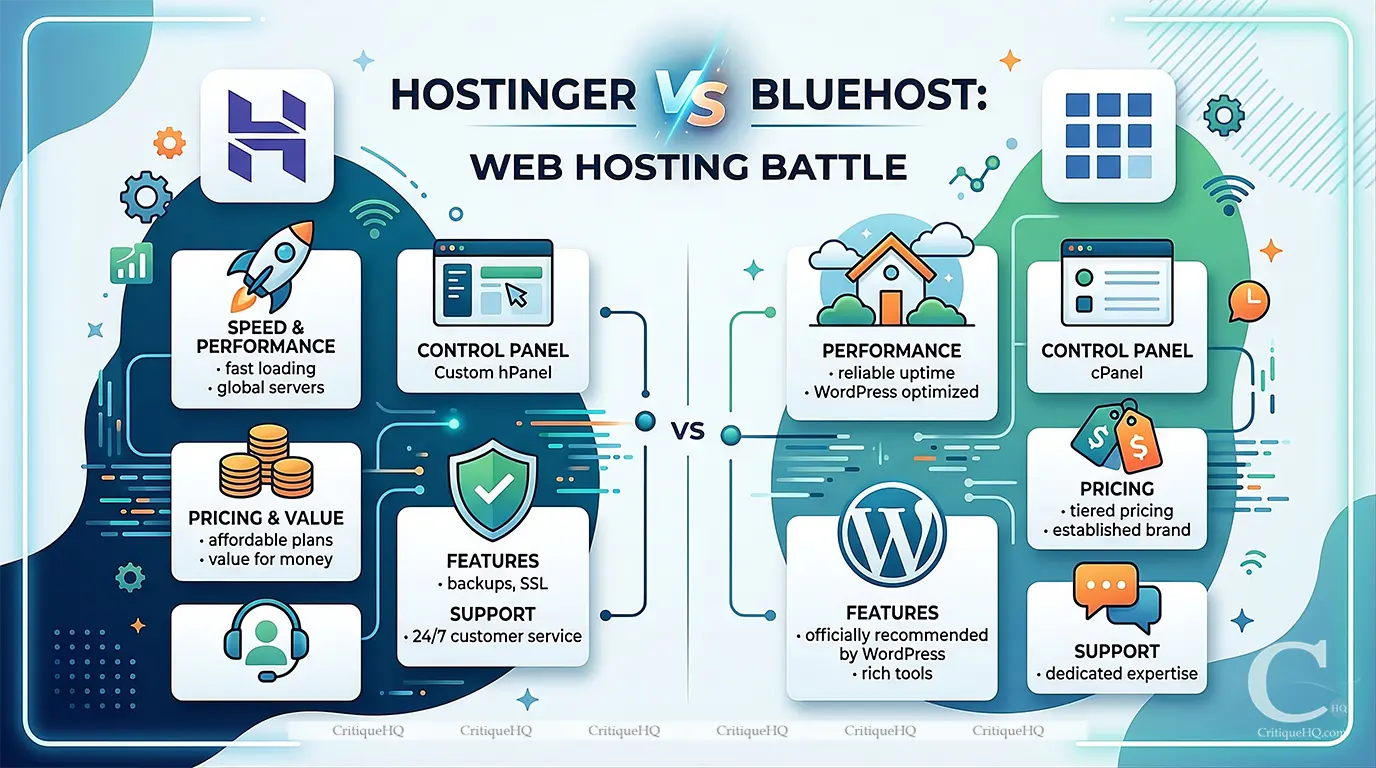
Hostinger vs Bluehost 2026: Which Hosting Plan Actually Delivers?
Hostinger vs Bluehost: This article is for you if: Looking for all hosting options? → Read our Best Web Hosting…
NordVPN Deal 2026: Get 72% Off + 3 Free Months (Verified Discount)
Good news: the best NordVPN discount of 2026 is active right now, and it’s the real deal. No gimmick codes…
[…] NordVPN has been near the top of best VPN lists for years. The question isn’t whether it belongs here; it’s whether it’s still earning that position rather than coasting on brand recognition. It is. […]
[…] news: the best NordVPN discount of 2026 is active right now, and it’s the real […]
[…] NordVPN doesn’t offer a traditional free trial; it offers something better. Pay for the 2-year plan, use it for up to 30 days, and request a full refund if it’s not right for you. No penalty, no awkward retention call. […]